This post might include affiliate links. Please see my policy.
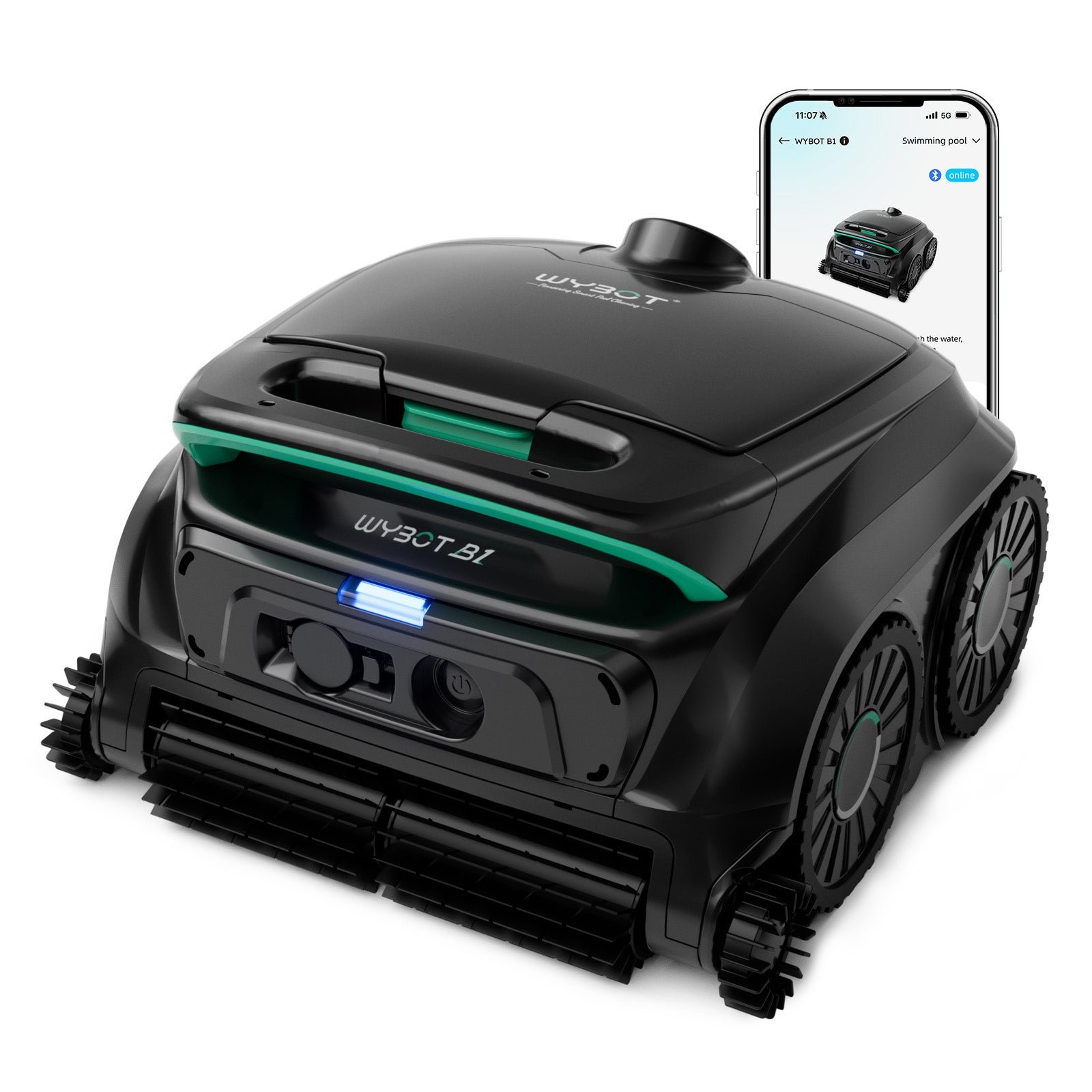
The Wybot S2 cleans the floor, walls and waterline of pools up to 3,229 square feet, and the manual says it can climb steps too. It runs on a battery for up to 3.5 hours per charge. Its app offers seven cleaning modes and a cycle timer, and the robot parks itself by the wall when it finishes.
Who It's For
The S2 suits the owner of a large inground pool, up to Wybot's rating of 3,229 square feet, who wants the floor, walls and waterline cleaned without a power cable. You choose a mode in the app before the robot goes into the water, and afterward you lift it out with the hook and charge it by cable. If the pool has steps, the manual says the robot can climb them.
Look Elsewhere If
You may want a different robot if you want one that steers around obstacles or uses AI vision, because Wybot's comparison table lists neither for the S2. The same table lists no automatic docking, so you collect the robot with the hook and plug it in yourself. And if your pool water is often heavy with fine dust, the manual says to leave the foam filter out, which leaves only the 180-micron basket. A pool larger than 3,229 square feet is past Wybot's rating as well.
Where To Buy
On sale: $759.99 at Wybot, regular $899.99 (save $140, 15%), checked Oct 27, 2026. See today’s deals
Key Features
Pool Size And Runtime. Wybot rates the S2 for pools up to 3,229 square feet, and the manual gives a runtime of up to 3.5 hours. Neither the manual nor the product page gives a runtime for each mode, so 3.5 hours is the most you can expect from a charge.
Battery And Charging. The battery is 7,800 mAh, and the manual says a full charge takes 3 hours. You plug the supplied cable and adapter into the charging port on the robot itself, because there is no dock. When a run ends or the battery runs low, the S2 moves to the pool wall and stops there, and you lift it out with the included hook on a pool pole.
Cleaning Modes And Paths. The app lists seven cleaning modes, which are full pool, floor only, wall only, waterline, wall then floor, eco floor and turbo floor. Wybot also counts six cleaning paths in the app, though neither the manual nor its product page names them. Three modes can be picked on the robot itself, and the app adds a cycle timer. The app cannot connect while the robot is in the water, so change modes before it goes in.
Filters. The main filter is a 180-micron basket that opens from the top cover. Alongside it sits a cotton foam, which the manual calls an auxiliary filter for fine particles. The manual gives no micron figure for the foam, recommends it for floor cleaning and says not to fit it when the pool water is heavily dusty.
Tracks And Brush. The robot moves on tracks, which the manual says help it climb walls and various obstacles. The manual also says it can climb steps, drains and shallow water areas, and it adds that obstacles may affect the cleaning path. It names a scrubbing brush but does not describe it as powered. Suction is rated at 3,699 gph, and the robot weighs 18.7 pounds.
Specifications
| Type | Pool Cleaner |
|---|---|
| Power source | Cordless |
| Budget tier | Premium |
| Pool size class | Large |
| Rated coverage | 3229 sq ft |
| Weight | 18.7 lbs |
| Battery capacity | 7800 mAh |
| Charging time | 3 hours |
| Runtime or cycle | 3.5 hours |
| Cleaning areas | Floor, Wall, Waterline |
| Cleaning type | Suction |
| Brushes | Passive |
| Navigation | Patterned Path |
| Mapping | Smart Mapping |
| Scheduling | App Scheduling |
| App connectivity | Yes |
| Flow rate | 3699 gph |
| Main filter | 180 μm |
| Filter access | Top |
| Traction | Track |
| Warranty | 2 years |
Pool Compatibility
| Inground | Yes |
|---|---|
| Above-ground | Yes |
| Onground | Yes |
| Vinyl | Yes |
|---|---|
| Gunite | Yes |
| Fiberglass | Yes |
| Tile | Yes |
| Pebble | Yes |
| Natural stone and other exotic finishes | No |
| Chlorine | Yes |
|---|---|
| Saltwater | Yes |
| Mineral | Yes |
| Ozone or UV | Yes |
| Rectangular | Yes |
|---|---|
| Round | Yes |
| Free-form | Yes |
| Steps | Yes |
| Slopes | Yes |
| Leaves and large debris | Yes |
|---|---|
| Medium debris | Yes |
| Fine debris | Yes |
| Microscopic particles | No |
Specs last verified 2026-10-26. Based on the manufacturer's specifications and manual.
Specs provided for informational use only. Data may be incomplete or outdated. Read full disclaimer.
How It Compares
Wybot S2 Solar Check Price at Wybotics Inc
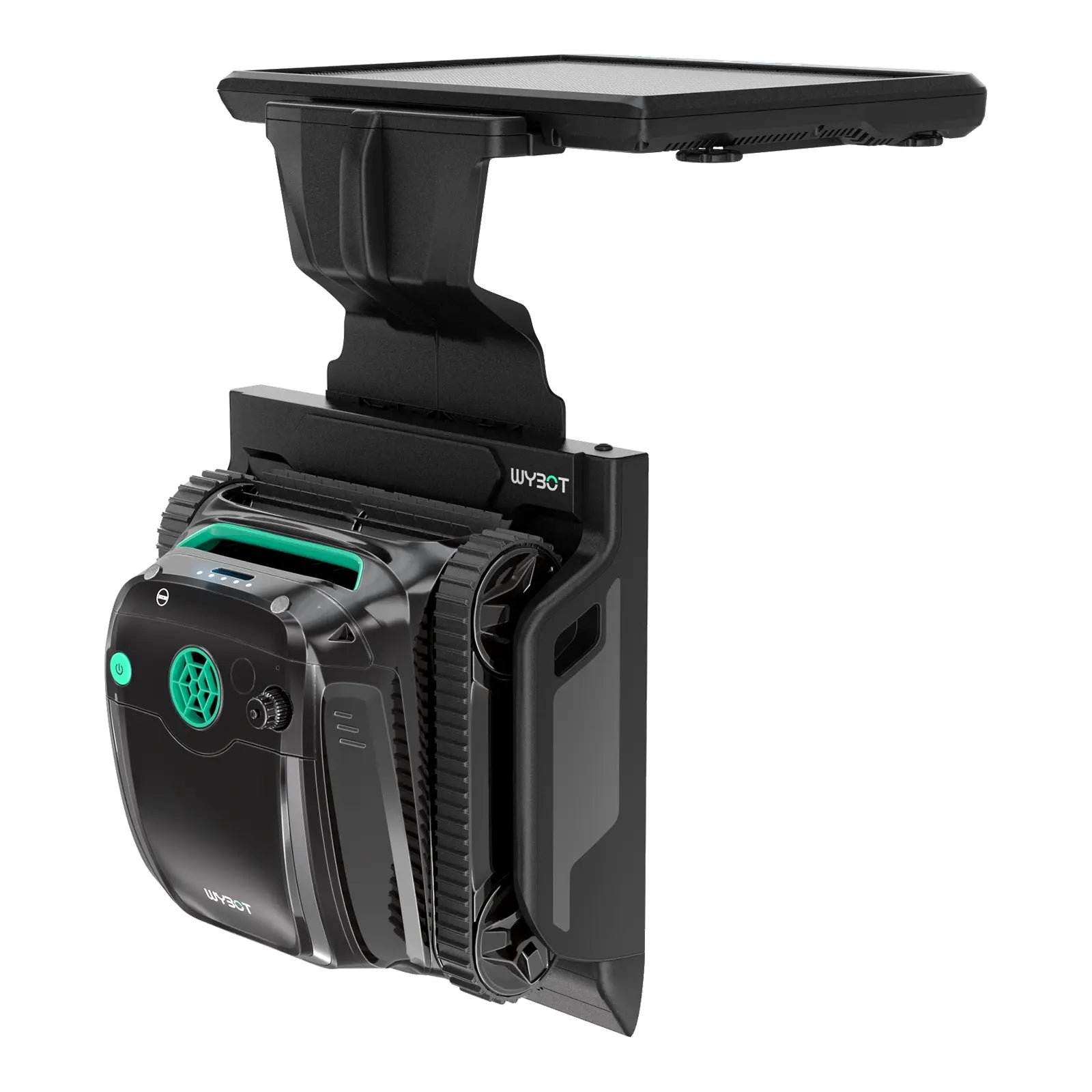
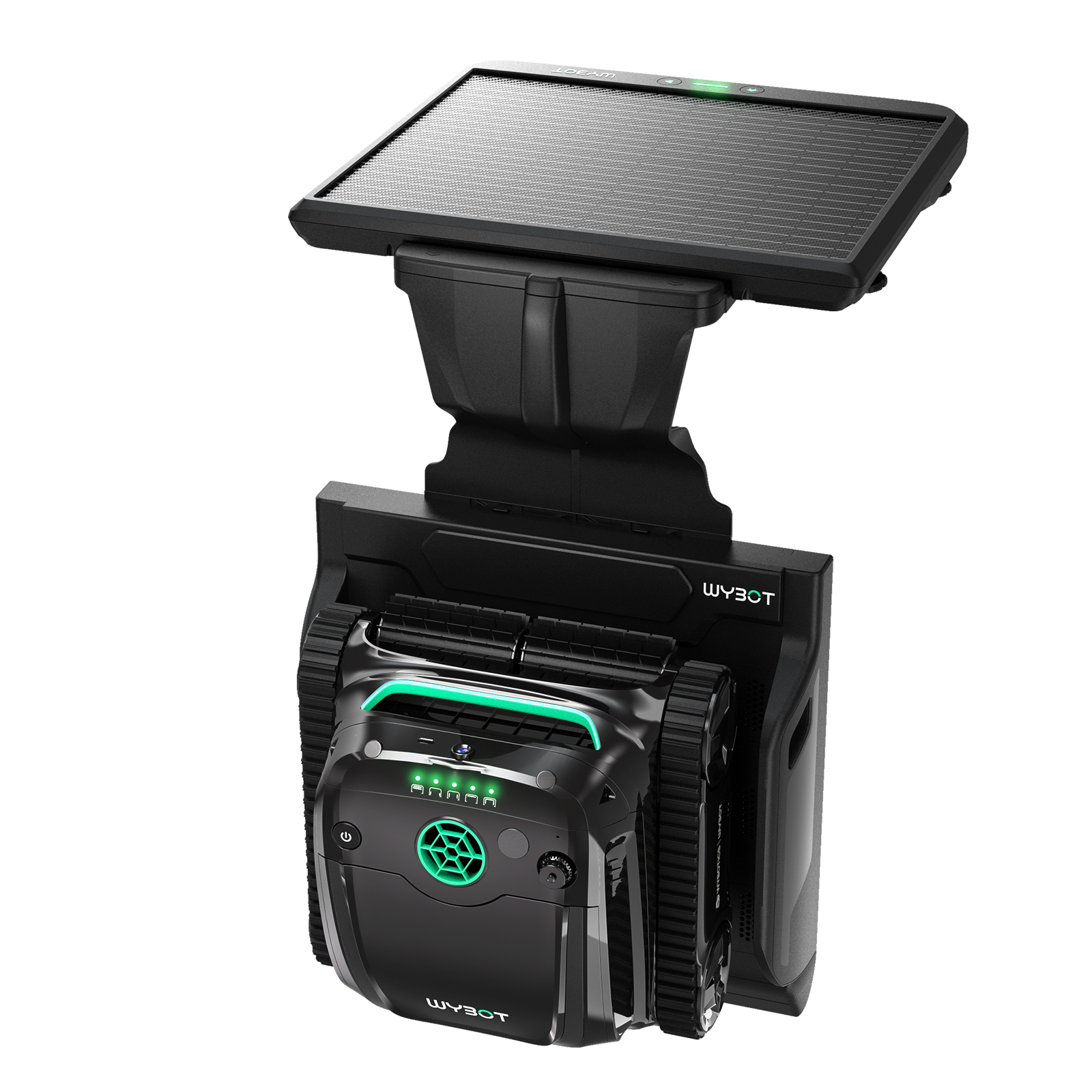
Wybot S2 Solar sits a tier up, in the Pro tier, and shares the S2's rated area of 3,229 square feet. Wybot's comparison table lists solar charging as well as cable charging for it, along with automatic docking, but its runtime is shorter at 2.5 hours. Choose it if those charging options matter to you. The S2 runs longer and charges by cable only.
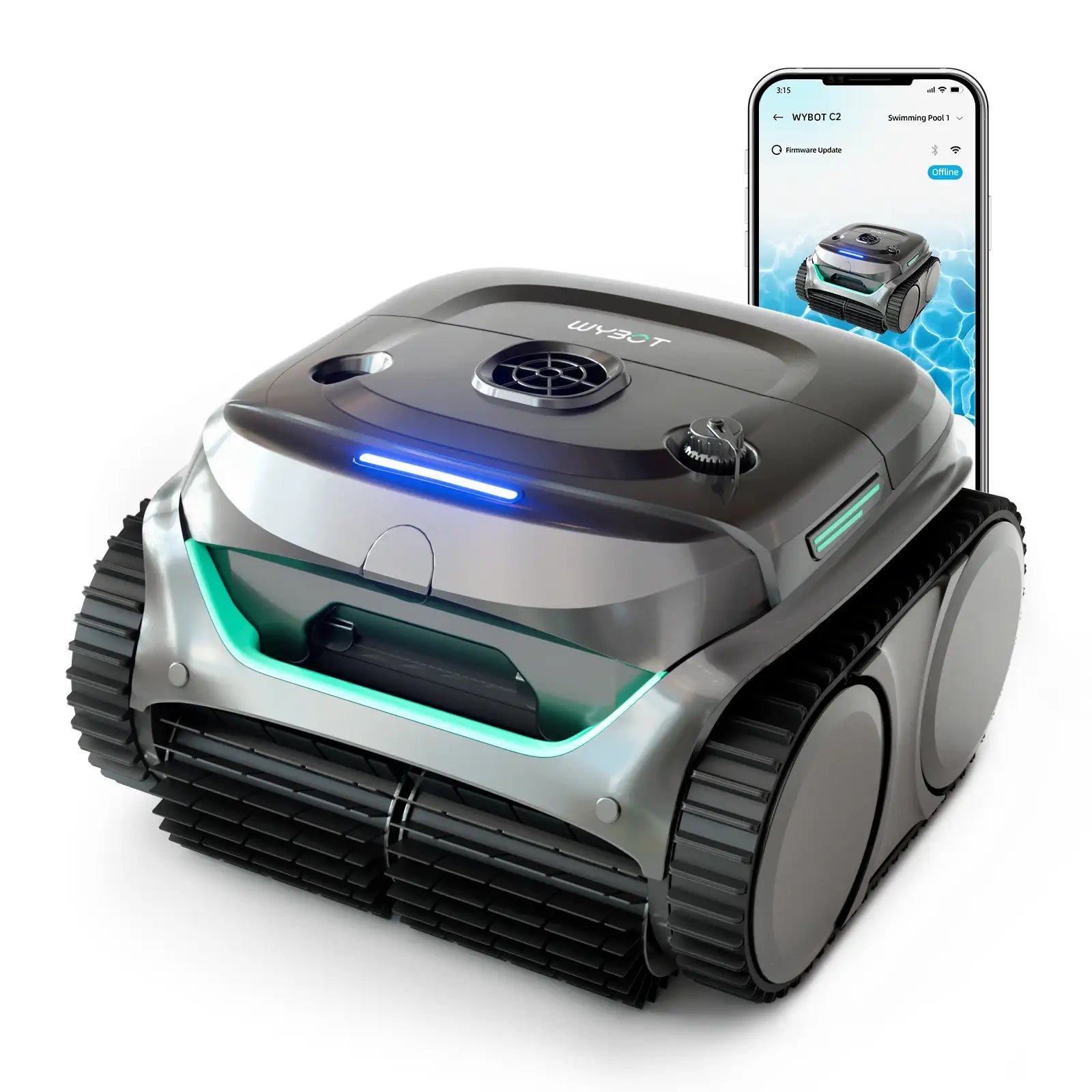
Wybot C2 is the smaller sibling in the same Premium tier, rated for pools up to 1,615 square feet. It runs up to 3 hours per charge and weighs 17.6 pounds, just over a pound less than the S2. Both use patterned paths and app scheduling. It is the one to look at if your pool is within its rating and you would like a lighter robot to lift out.
Wybot M1 Check Price on Amazon
Wybot M1 is the larger option in the Premium tier, rated for 4,305 square feet and up to 5 hours per charge. It weighs 24.3 pounds, nearly six pounds more than the S2. Choose it if your pool is beyond 3,229 square feet. The S2 is the lighter robot to lift out.
Worth Knowing
Wybot's product page lists a higher weight than the manual, so this page uses the manual's 18.7 pounds. The manual describes the S2 for inground pools, while the product page also lists above-ground pools, so check with Wybot before using it in one. The box holds two filters, floating parts, a charger and a hook, but no caddy, and the hook needs a pool pole of your own. The manual also asks that nobody is in the pool while the robot runs and that the pool pump is off.
Care And Maintenance
From the Wybot manual:
- Switch the robot off before you open the top cover.
- After every run, take out the 180-micron basket and the foam, empty the debris and rinse both with clean water, then refit them.
- Lift the robot out upright so the water inside drains quickly.
- Dry the charging port after each clean, because a wet port can cause an electric shock, and charge the robot well away from the pool edge.
- For storage, dry the robot and the basket, charge the battery fully and keep it somewhere cool and ventilated. Recharge it every three months while it is stored.
Frequently Asked Questions
Does the S2 clean steps?
Yes. The manual says the S2 can climb steps, drains and shallow water areas, and Wybot lists steps among the places it cleans.
How long does a charge last?
Up to 3.5 hours, according to the manual. A full recharge takes 3 hours through the cable.
Can I change the cleaning mode while it is in the pool?
No. The app cannot connect while the robot is in the water, so set the mode before it goes in. Three modes can also be picked on the robot itself.
Does it come with a charging dock?
No. You plug the supplied cable and adapter into the robot's charging port, and Wybot's comparison table lists no automatic docking.
Should I leave the foam filter in?
Not always. The manual recommends the foam for floor cleaning and says not to fit it when the water is heavily dusty. Without the foam, the 180-micron basket is the only filter in use.
Can it be used in an above-ground pool?
The manual describes inground pools only, while Wybot's product page lists above-ground pools as well. Confirm with Wybot before buying it for an above-ground pool.
How long is the warranty?
Two years, according to Wybot. The manual covers the battery, motor and circuit board, and it lists consumable parts such as the filter basket and brush as outside the warranty.
Robot Pool Cleaners From Our Partner Brands
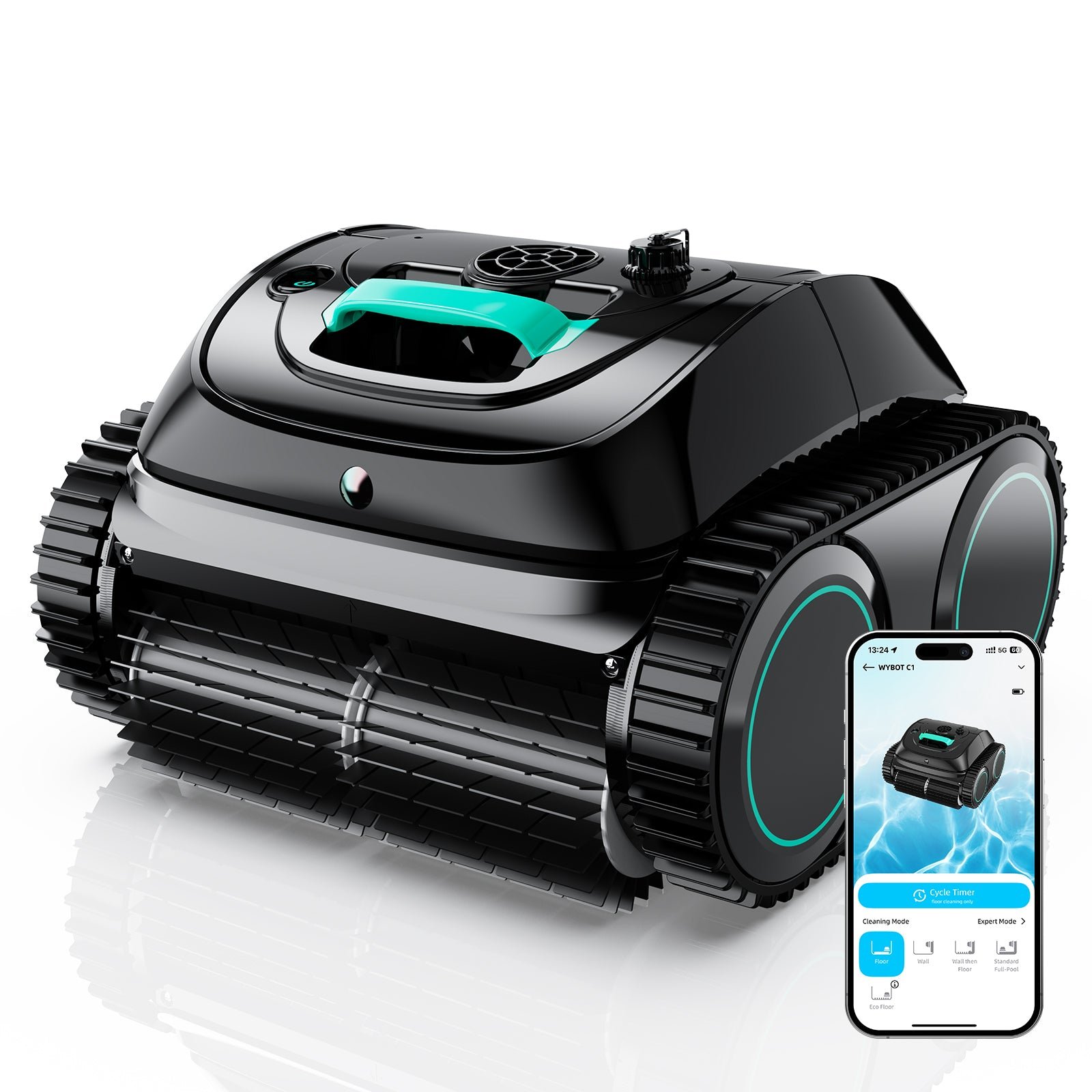
Wybot C1
Cordless · Floor, wall, waterline · Up to 1,615 sq ft · In-ground and above-ground pools
Check price at WybotWybot C2
Cordless · Floor, wall, waterline · Up to 1,615 sq ft · In-ground and above-ground pools
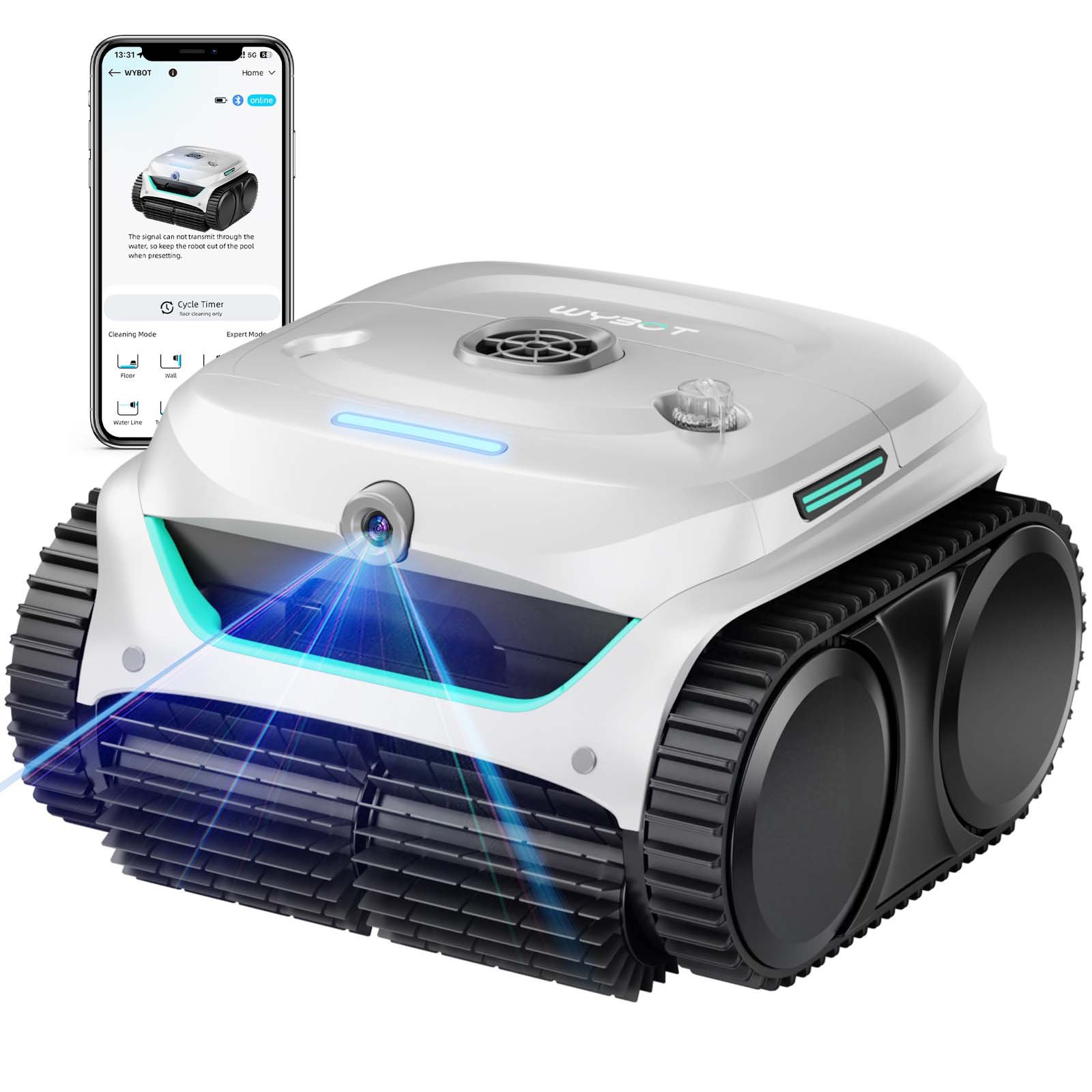
Check price at WybotWybot C2 Vision
Cordless · Floor, wall, waterline · Up to 1,938 sq ft · In-ground and above-ground pools
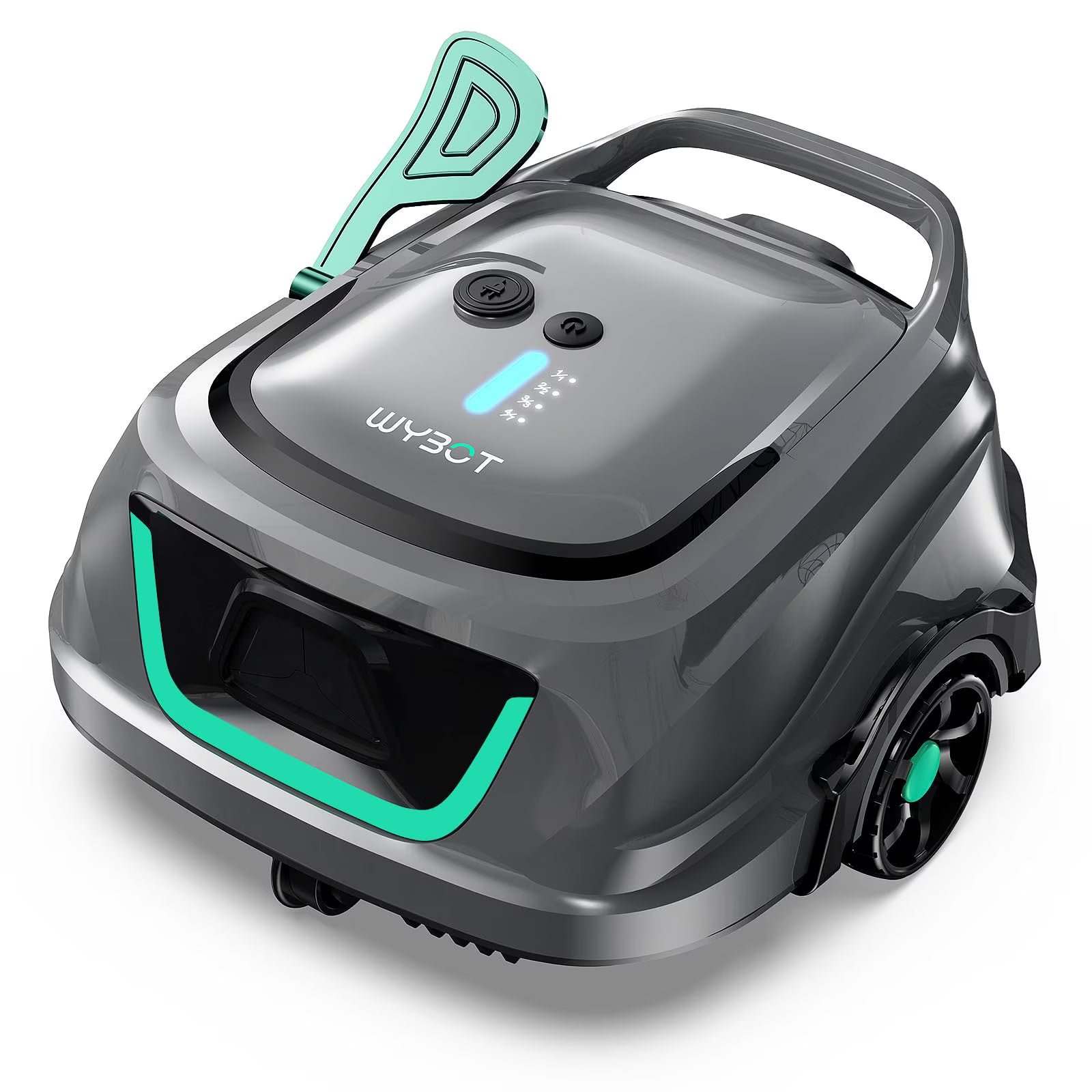
Check price at WybotWybot B1
Cordless · Floor, wall, waterline · Up to 1,076 sq ft · In-ground and above-ground pools
Check price at WybotWybot S2 Solar
Solar and battery · Floor, wall, waterline · Up to 3,229 sq ft · In-ground pools
Check price at WybotWybot S2 Solar Vision
Solar and battery · Floor, wall, waterline · Up to 3,229 sq ft · In-ground pools
Check price at WybotAiper Scuba S1
Cordless · Floor, wall, waterline · Up to 1,600 sq ft · In-ground and above-ground pools
Check price at AiperDreame Z1
Cordless · Floor, wall, waterline · Up to 1,950 sq ft · In-ground and above-ground pools
Check price at DreameAiper Scuba X1 Pro Max
Cordless · Floor, wall, waterline · Up to 3,230 sq ft · In-ground and above-ground pools
Check price at Aiper