This post might include affiliate links. Please see my policy.
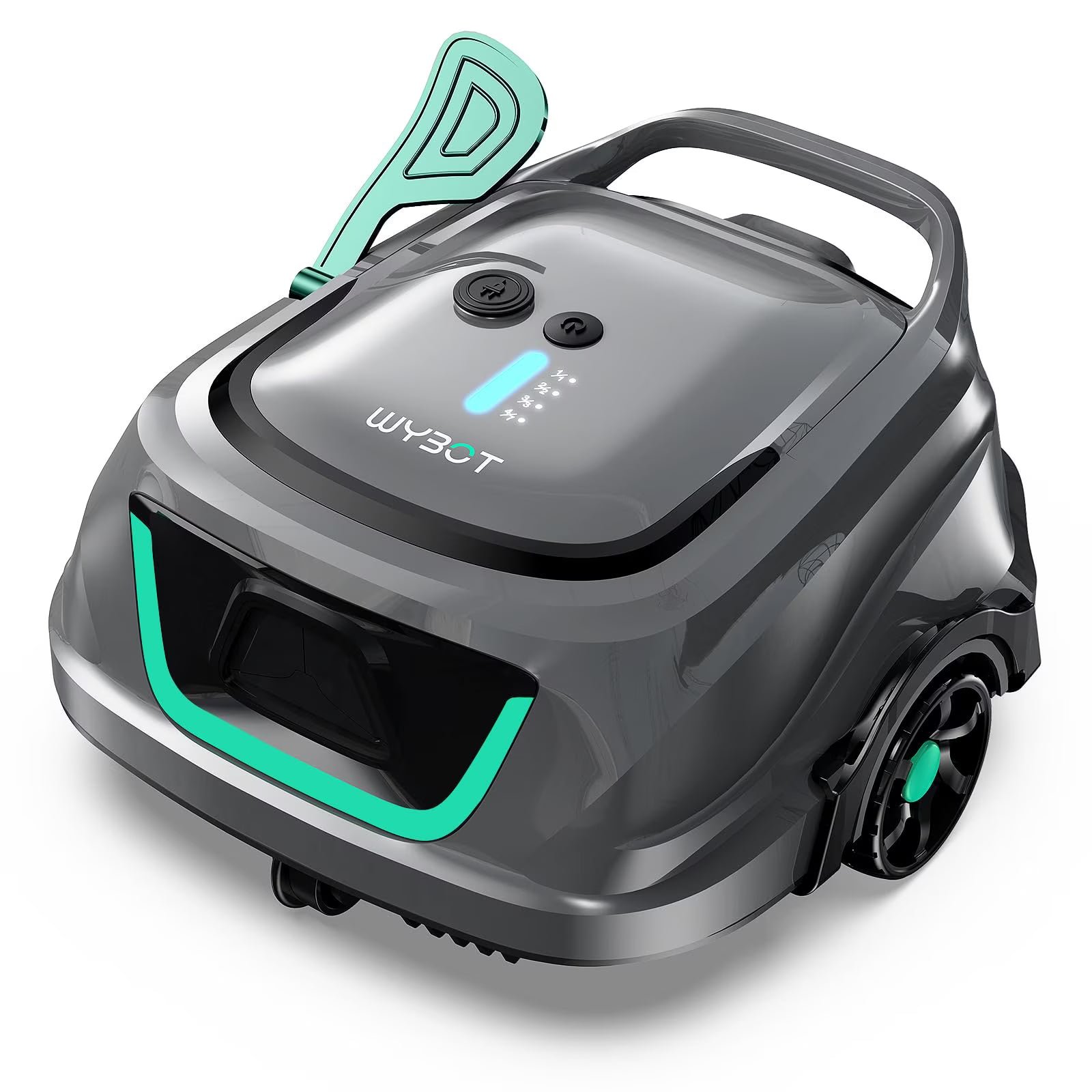
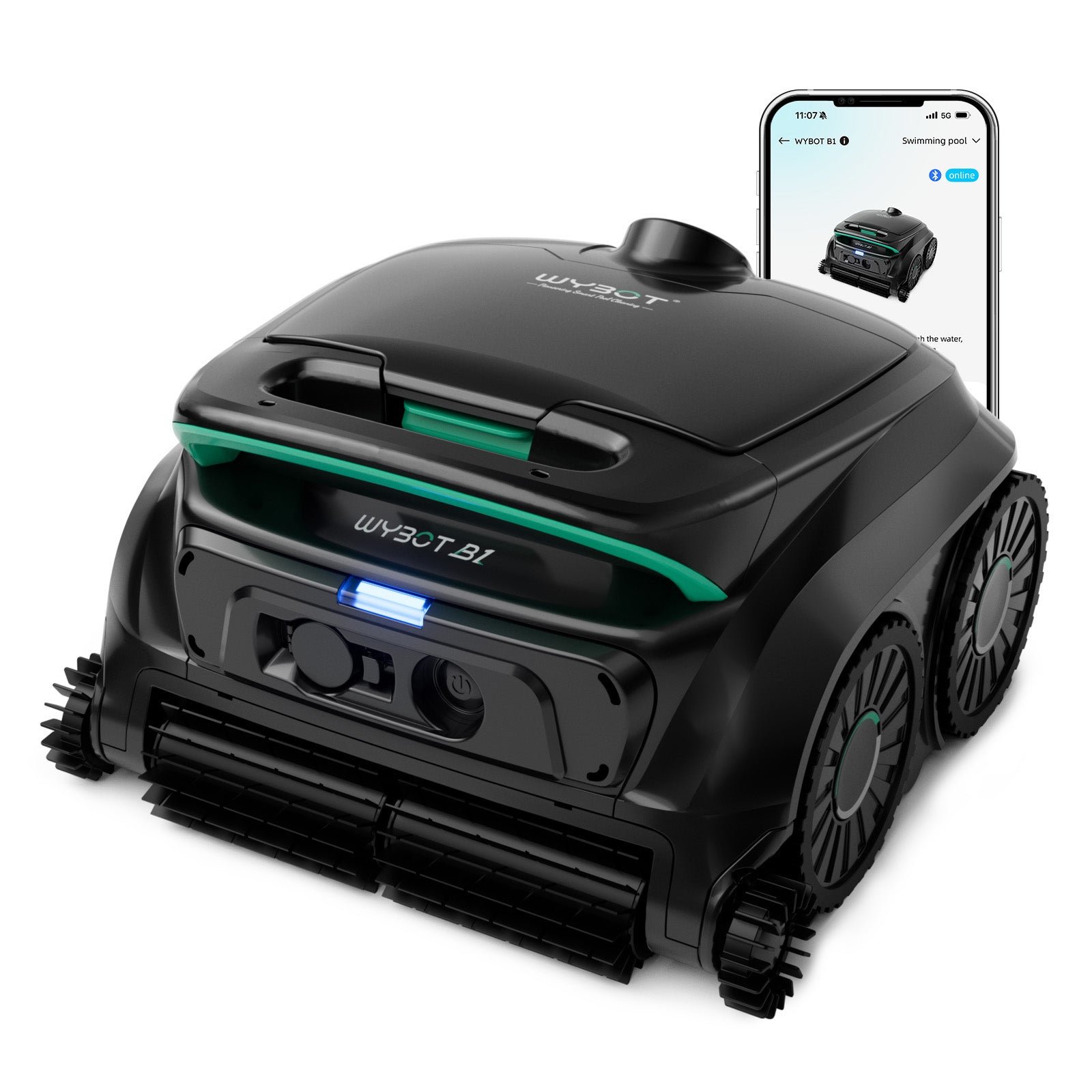
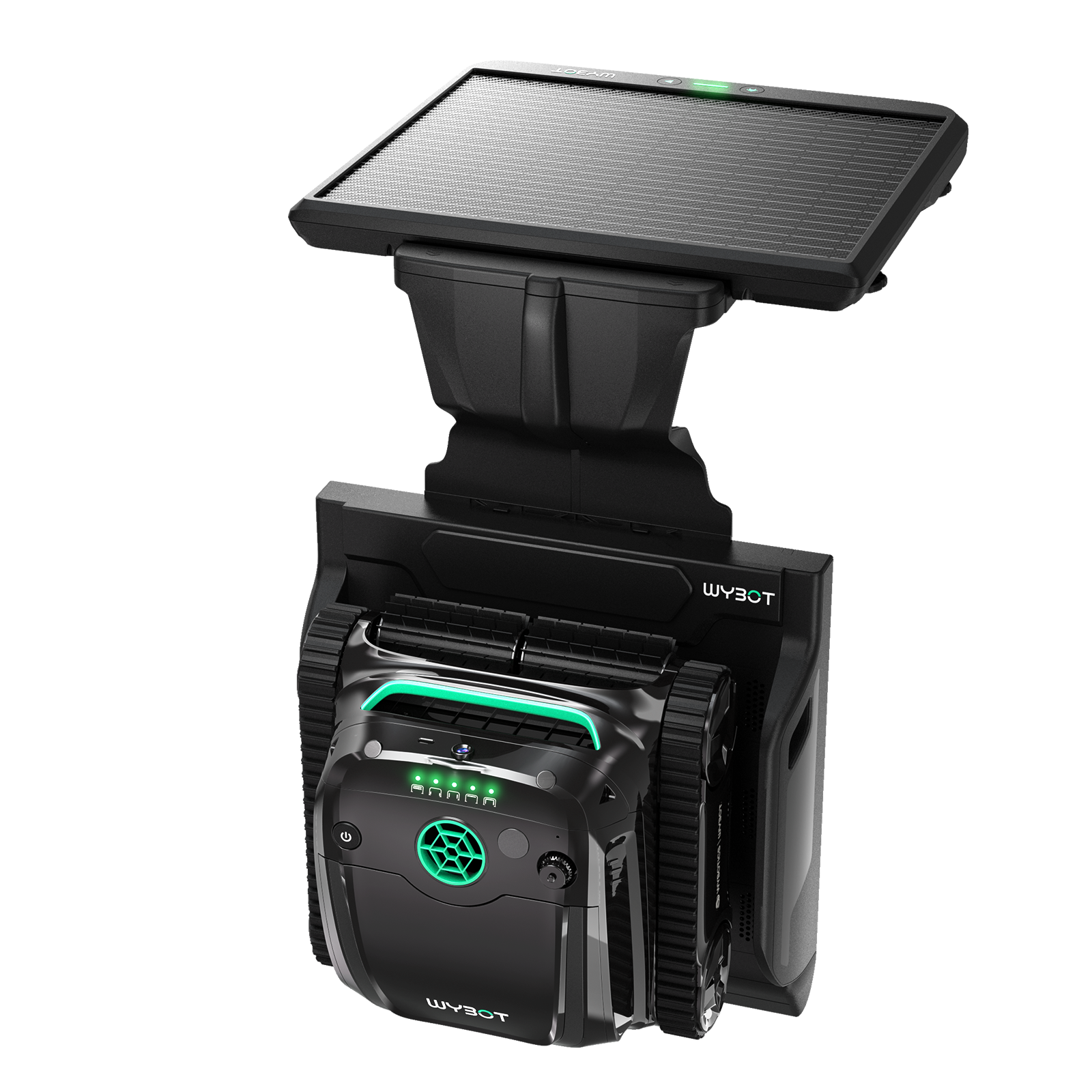
The Wybot M1 cleans inground pool floors, walls and waterlines, with app scheduling and a rated coverage area of 4,305 square feet. It runs up to 5 hours in Eco floor mode, according to the manual. A top opening gives you access to the basket and auxiliary foam filter.
Who It's For
It suits a large inground pool where you want to clean the walls and waterline as well as collect debris from the bottom. You can use it in rectangular, round or freeform layouts, including pools finished in vinyl, gunite, fiberglass or tile. App scheduling suits an owner who wants to set future cleans, while the cordless design keeps a power cable out of the water during operation.
Look Elsewhere If
You may want a different robot if you need powered brushes, because its brushes are passive. If you want to change settings from your phone while it cleans, the manual says the app cannot connect underwater. The manual also says to leave the auxiliary foam out of very dusty water. If you need it to climb a slippery finish without adjustment, the manual's troubleshooting advice calls for adhesive blocks and instructions from after-sales support.
Where To Buy
Key Features
Battery Life And Charging. The battery holds 10,000 mAh and takes 3.5 hours to charge. The manual gives up to 5 hours of runtime in Eco floor mode. Charging uses the supplied cable and adapter connected to the robot. A flashing green light shows charging is underway, and the lights turn solid when it is fully charged. The adapter also has a blue power indicator. The manual also tells you to charge the battery before its first use.
Cleaning Choices. Its seven modes cover full pool cleaning, floor only, wall only, waterline, wall then floor, Eco floor and Turbo Floor. You can choose a focused clean if debris is concentrated on the bottom or the walls need separate attention. Wall then floor is the default setting, and the robot remembers your previous choice when restarted. App scheduling lets you set future cleaning sessions alongside those mode choices.
Basket And Foam Filter. The main basket is rated at 180 microns, with an auxiliary cotton foam filter for finer particles. The manual recommends the foam for floor cleaning. To reach the basket, press the filter cover handle, lift the top cover and pull the basket out. The basket must be installed before cleaning. The manual specifies a flow rate of 3,963 gph.
Paths And Retrieval. The robot follows patterned paths and travels on tracks, which help it climb walls and obstacles. When cleaning finishes or the battery runs low, it stops beside the pool wall. Attach the supplied hook to your pool pole to retrieve it, then use the handle for carrying. A breathing yellow light indicates low battery, while a flashing red light signals a fault you can check in the troubleshooting table.
Specifications
| Type | Pool Cleaner |
|---|---|
| Power source | Cordless |
| Budget tier | Premium |
| Pool size class | Large |
| Rated coverage | 4305 sq ft |
| Weight | 24.3 lbs |
| Battery capacity | 10000 mAh |
| Charging time | 3.5 hours |
| Runtime or cycle | 5 hours |
| Cleaning areas | Floor, Wall, Waterline |
| Cleaning type | Suction |
| Brushes | Passive |
| Navigation | Patterned Path |
| Mapping | Smart Mapping |
| Scheduling | App Scheduling |
| App connectivity | Yes |
| Flow rate | 3963 gph |
| Main filter | 180 μm |
| Filter access | Top |
| Traction | Track |
| Warranty | 2 years |
Pool Compatibility
| Inground | Yes |
|---|---|
| Above-ground | No |
| Onground | No |
| Vinyl | Yes |
|---|---|
| Gunite | Yes |
| Fiberglass | Yes |
| Tile | Yes |
| Pebble | No |
| Natural stone and other exotic finishes | No |
| Chlorine | Yes |
|---|---|
| Saltwater | Yes |
| Mineral | Yes |
| Ozone or UV | Yes |
| Rectangular | Yes |
|---|---|
| Round | Yes |
| Free-form | Yes |
| Steps | Yes |
| Slopes | Yes |
| Leaves and large debris | Yes |
|---|---|
| Medium debris | Yes |
| Fine debris | Yes |
| Microscopic particles | Yes, with the ultra-fine filter |
Specs last verified 2026-10-24. Based on the manufacturer's specifications and manual.
Specs provided for informational use only. Data may be incomplete or outdated. Read full disclaimer.
How It Compares
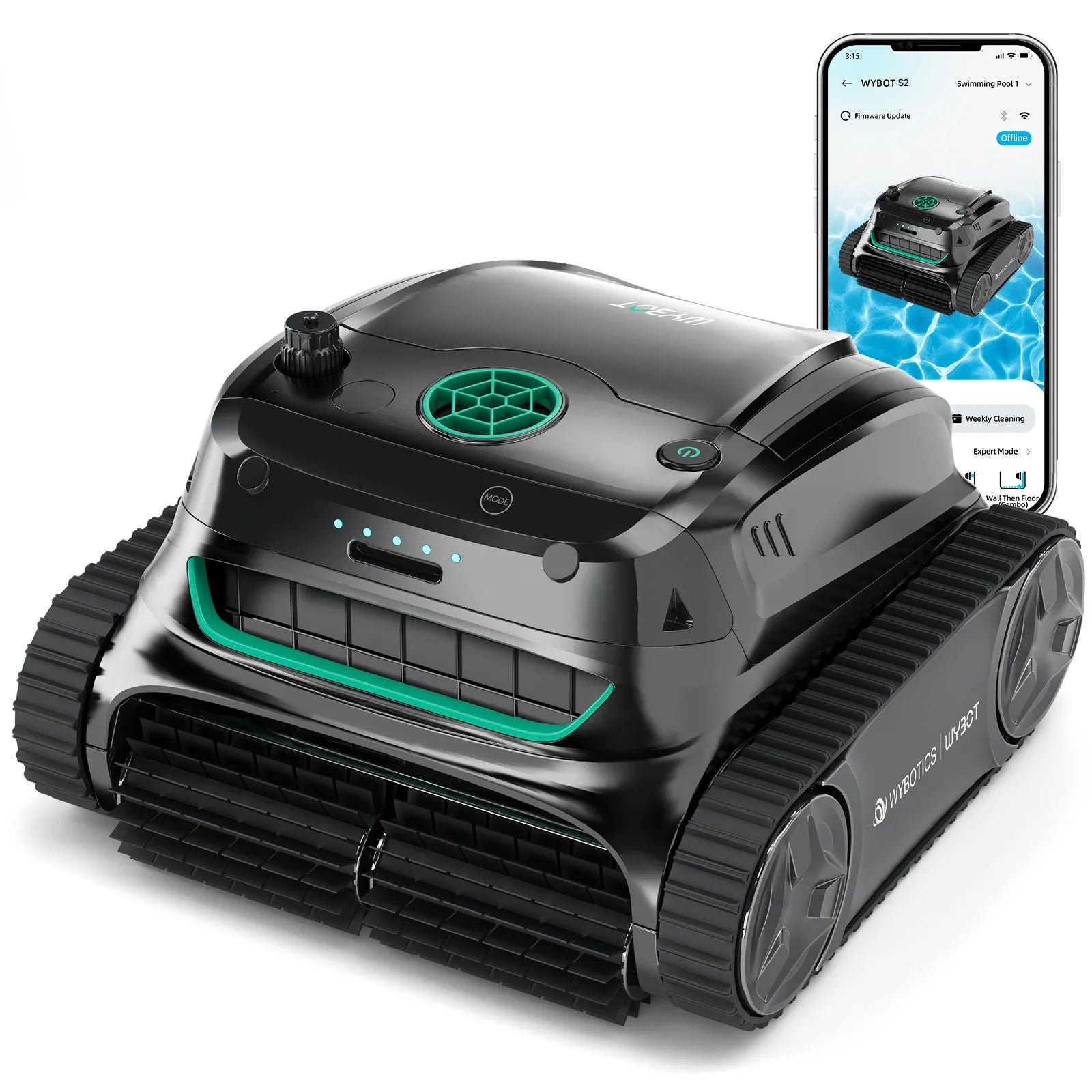
Wybot S2 Get the deal at Wybot
Wybot S2 keeps the same floor, wall and waterline coverage and app scheduling, with a smaller rated area of 3,229 square feet, so it suits a pool within that limit. Choose this sibling if you want those cleaning areas and scheduling with an easier lift, since its 18.7 pounds makes it lighter to retrieve than the M1.
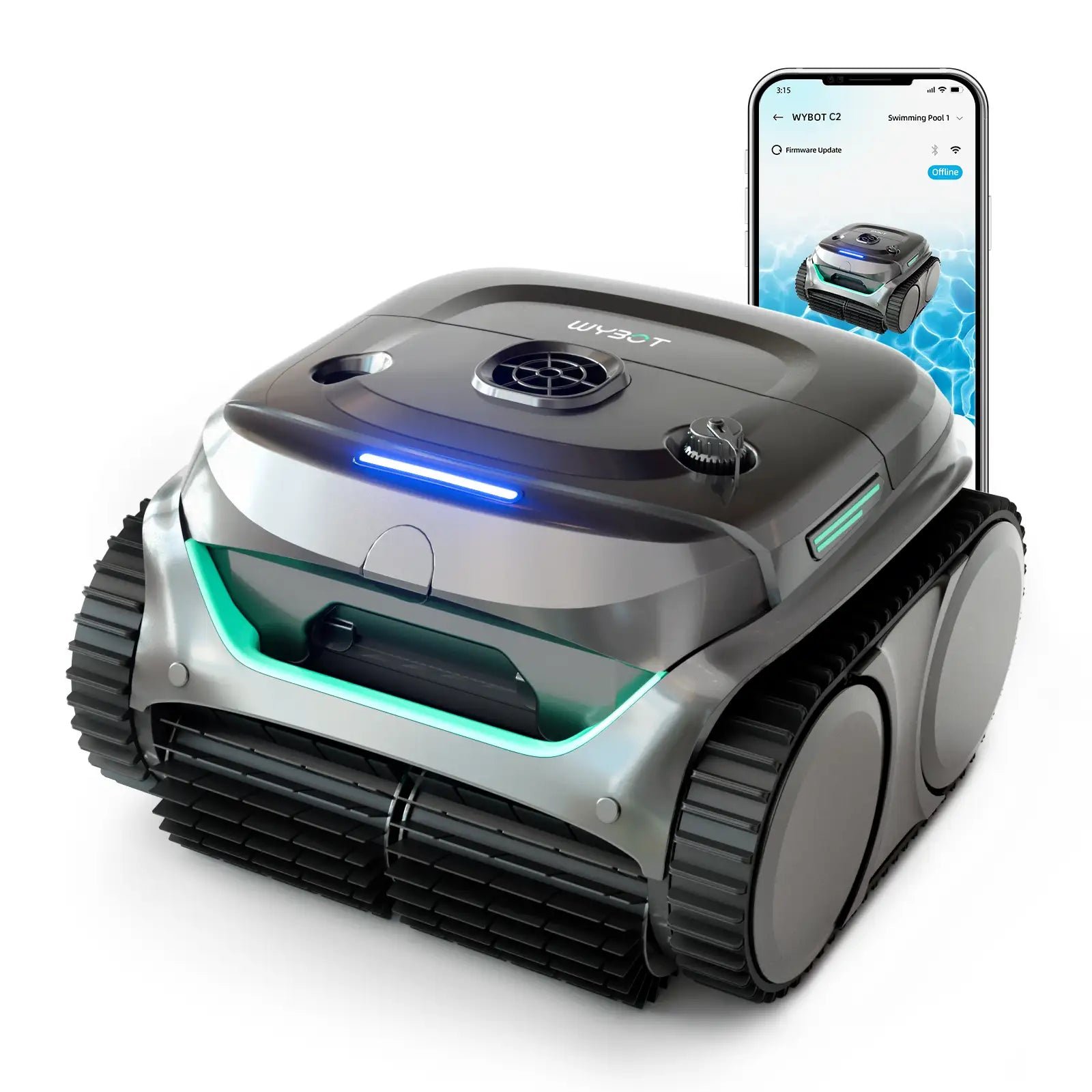
Wybot C2 Get the deal at Wybot
Wybot C2 also uses patterned paths and app scheduling, with filter access through the top of the robot, but its coverage rating of 1,615 square feet makes it a choice for a smaller pool needing floor, wall and waterline cleaning. Choose it if you want a lighter robot to lift out of the pool after each cleaning session, since it weighs 17.6 pounds compared with 24.3 pounds.
Poolmate Hydro 4 Cordless Check Price on Amazon
Poolmate Hydro 4 Cordless adds powered brushes while keeping app scheduling and coverage of the floor, walls and waterline, so choose it if powered scrubbing matters more than the M1's larger pool rating. It weighs 14.3 pounds, although its rated area of 1,614 square feet confines it to a considerably smaller pool.
Worth Knowing
The manual says to switch off the pool filtration system while the robot runs and to keep swimmers out of the water during cleaning. When putting it in, hold the handle and lower it vertically, then let it sink to release trapped air. For charging, use the original charger with a GFCI-protected outlet, without an extension cord. Keep the robot and adapter away from water and direct sunlight while charging. Do not operate it with a broken cover or broken scrubbing brushes.
Care And Maintenance
From the Wybot manual:
- Lift the cleaner out vertically to drain the water inside, then switch it off before opening the cover.
- Remove the filter basket after each use, empty the debris and rinse it with clean water. Refit the basket and close the cover.
- Dry the charging port before connecting the charger. The manual warns that a wet port can cause an electric shock.
- For storage, dry the cleaner and basket completely, fully charge the battery and keep the robot in a cool, ventilated place away from sunlight, heat and frost. Charge the battery every three months in storage.
Frequently Asked Questions
How large a pool can it clean?
Up to 4,305 square feet, according to Wybot. That rating applies to inground pools, and its supported layouts include rectangular, round and freeform pools.
Does it clean steps?
Yes. The manual says it can climb steps, drains and shallow water areas. Those obstacles can influence its cleaning path, so its route may change around them.
Can I use it in saltwater?
Yes. It supports saltwater and chlorine pools. The manual sets maximum chlorine and salt levels and also specifies limits for water temperature and pH.
How heavy is it?
It weighs 24.3 pounds. The manual identifies the handle as the part for removing and transporting the robot.
Can I update it through the app?
Yes. The manual includes firmware updates through the app. It also directs owners to update the firmware when troubleshooting a robot that does not follow its set cleaning path.
What comes in the box?
The manual includes the robot, filters, charger, retrieval hook and adhesive blocks, plus a user manual and quick start guide. You supply the pool pole for the hook.
How long is the warranty?
Two years. The manual covers the battery, motor and circuit board, excludes consumable parts such as the basket and brush, and requires the original buyer to present an order number or purchase record.
Robot Pool Cleaners From Our Partner Brands
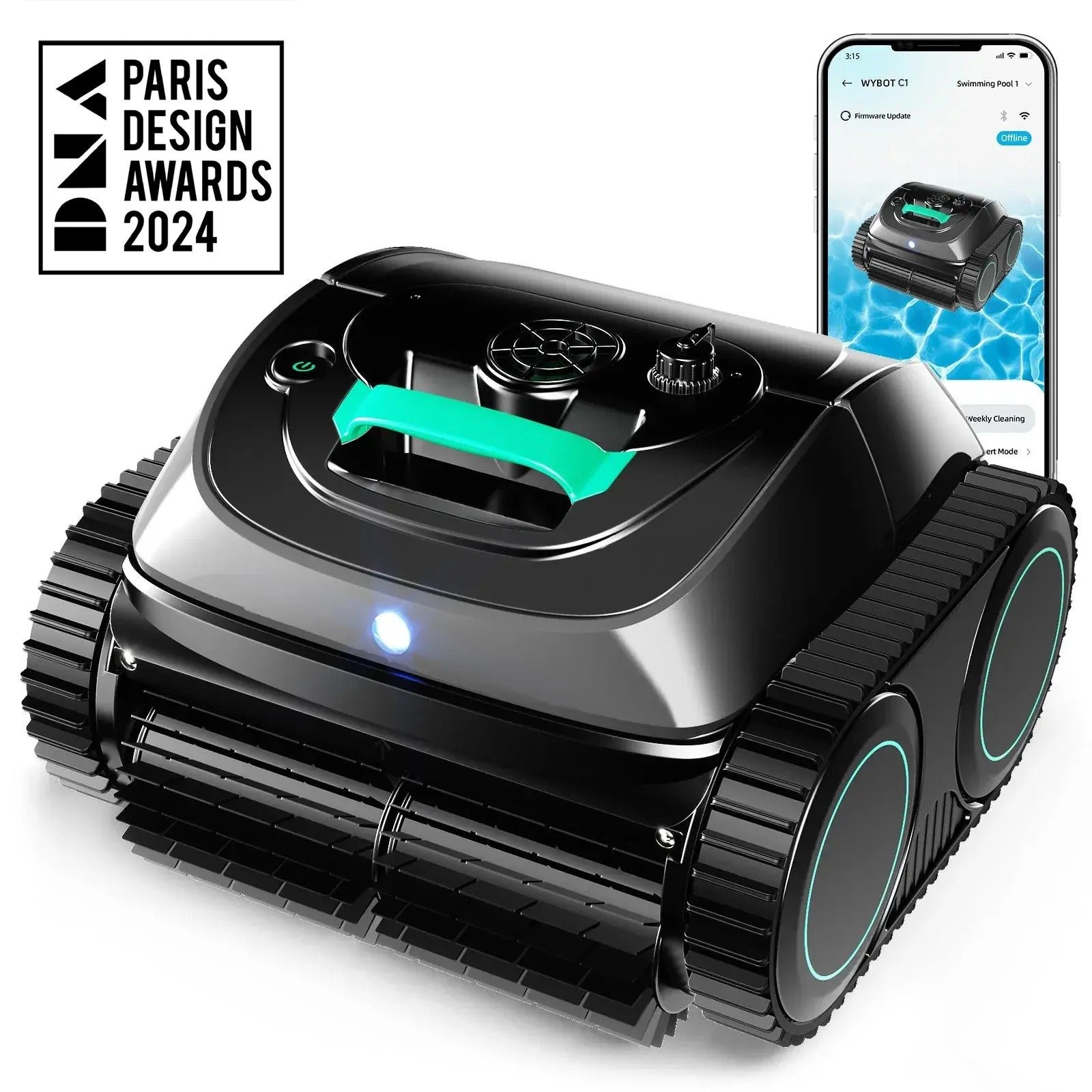
Wybot C1
Cordless · Floor, wall, waterline · Up to 1,615 sq ft · In-ground and above-ground pools
Check price at WybotWybot C2
Cordless · Floor, wall, waterline · Up to 1,615 sq ft · In-ground and above-ground pools
Check price at WybotWybot S2
Cordless · Floor, wall, waterline · Up to 3,229 sq ft · In-ground and above-ground pools
Check price at WybotWybot C2 Vision
Cordless · Floor, wall, waterline · Up to 1,938 sq ft · In-ground and above-ground pools
Check price at WybotWybot B1
Cordless · Floor, wall, waterline · Up to 1,076 sq ft · In-ground and above-ground pools
Check price at WybotWybot S2 Solar Vision
Solar and battery · Floor, wall, waterline · Up to 3,229 sq ft · In-ground pools
Check price at Wybot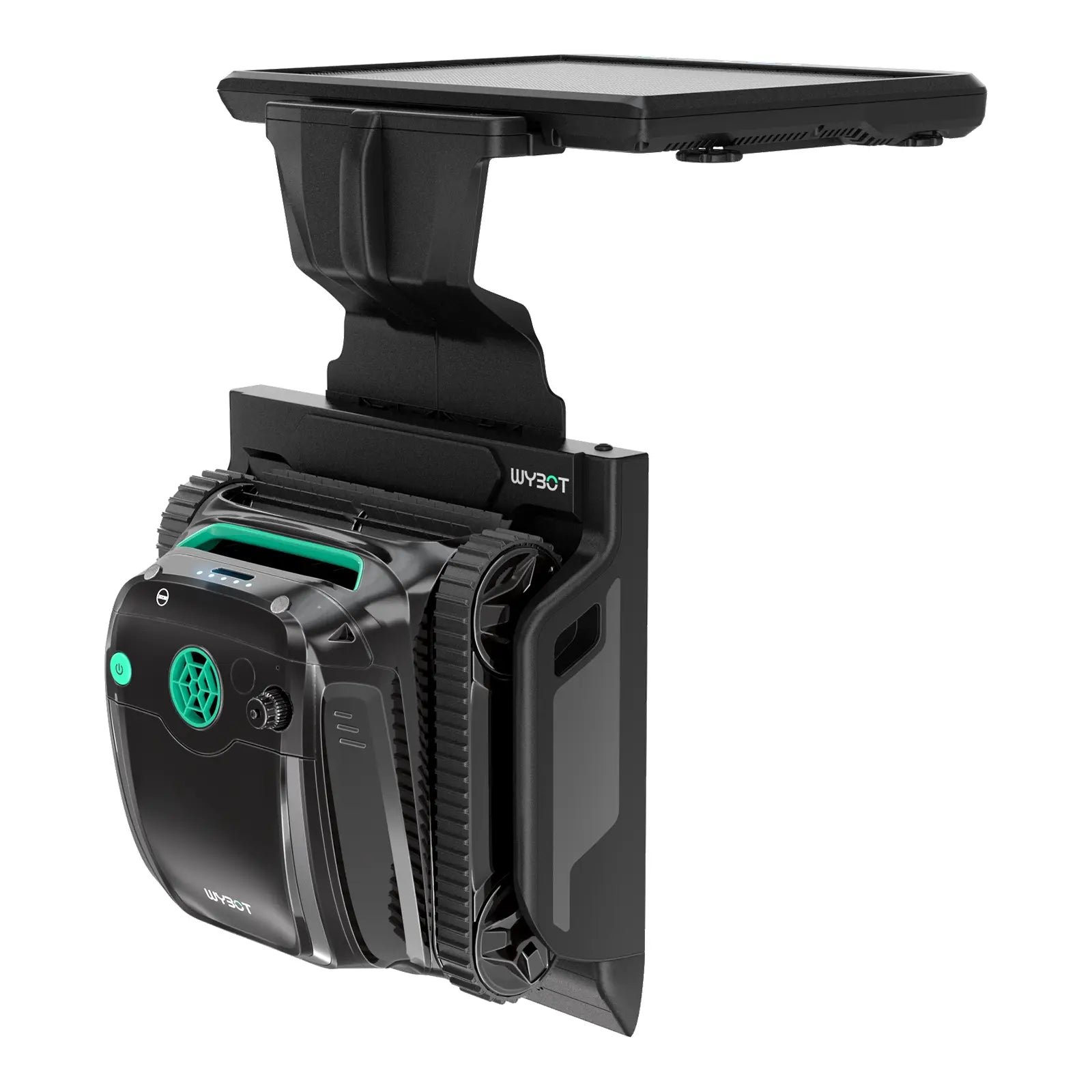
Wybot S2 Solar
Solar and battery · Floor, wall, waterline · Up to 3,229 sq ft · In-ground pools
Check price at WybotDreame Z1
Cordless · Floor, wall, waterline · Up to 1,950 sq ft · In-ground and above-ground pools
Check price at DreameAiper Scuba S1
Cordless · Floor, wall, waterline · Up to 1,600 sq ft · In-ground and above-ground pools
Check price at Aiper