This post might include affiliate links. Please see my policy.
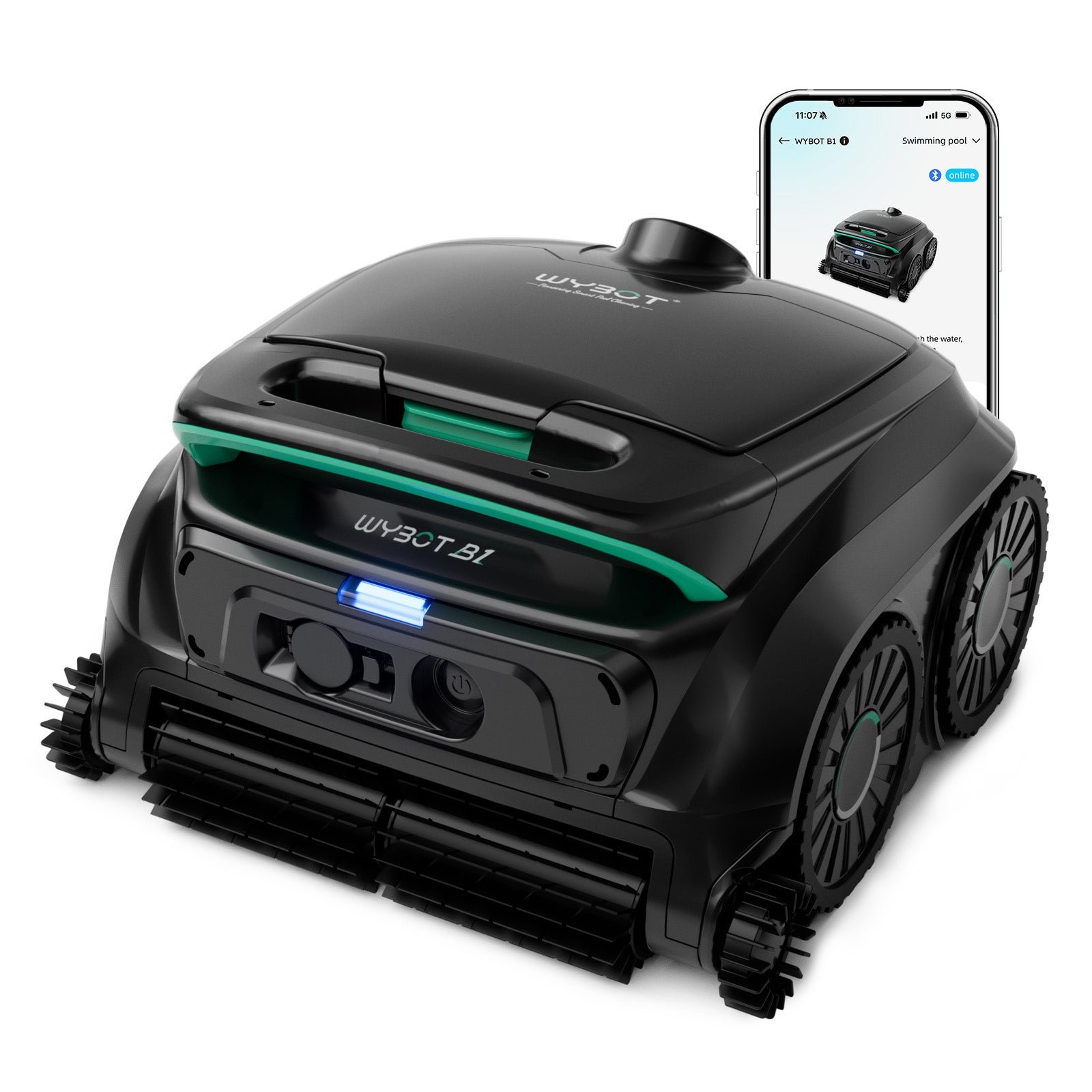
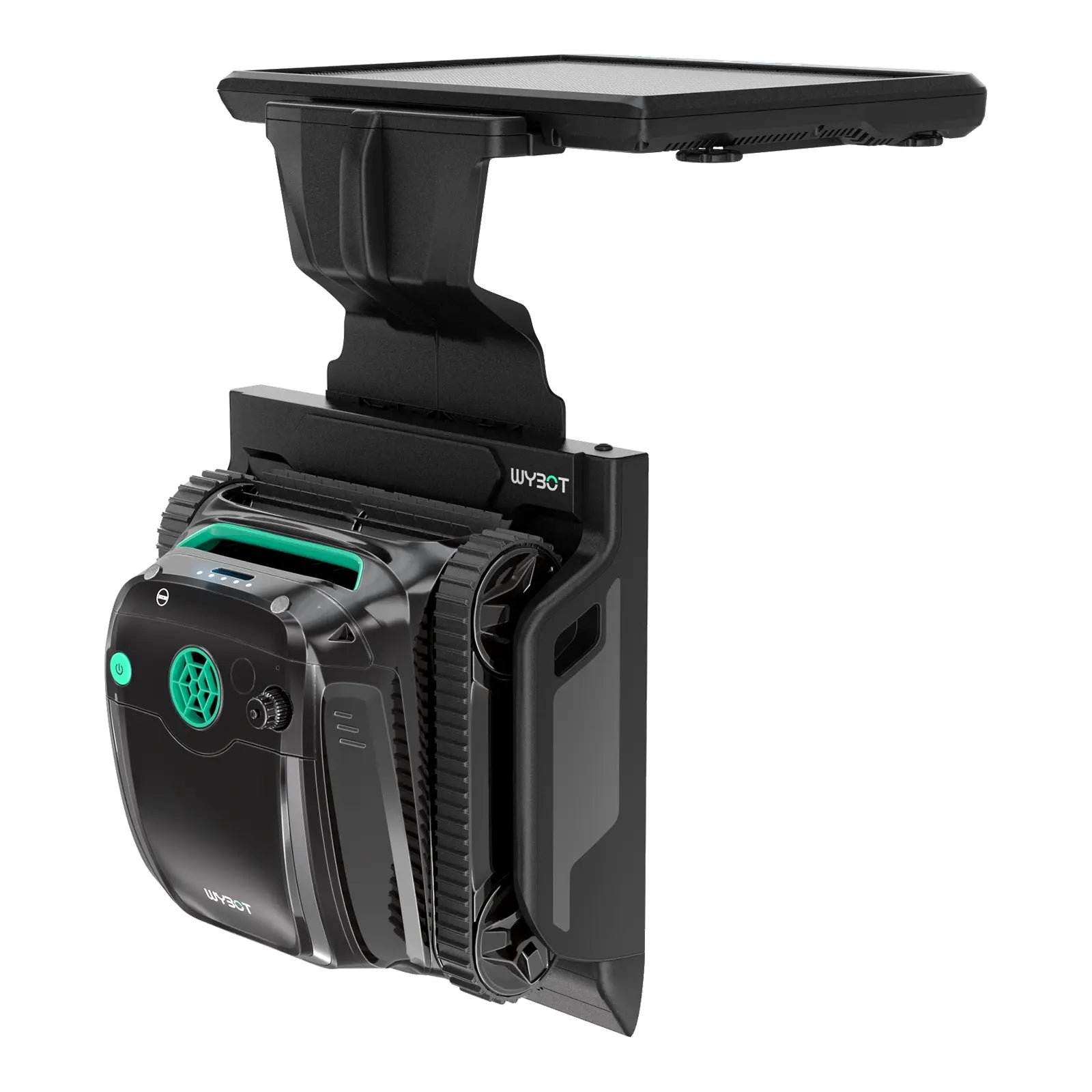
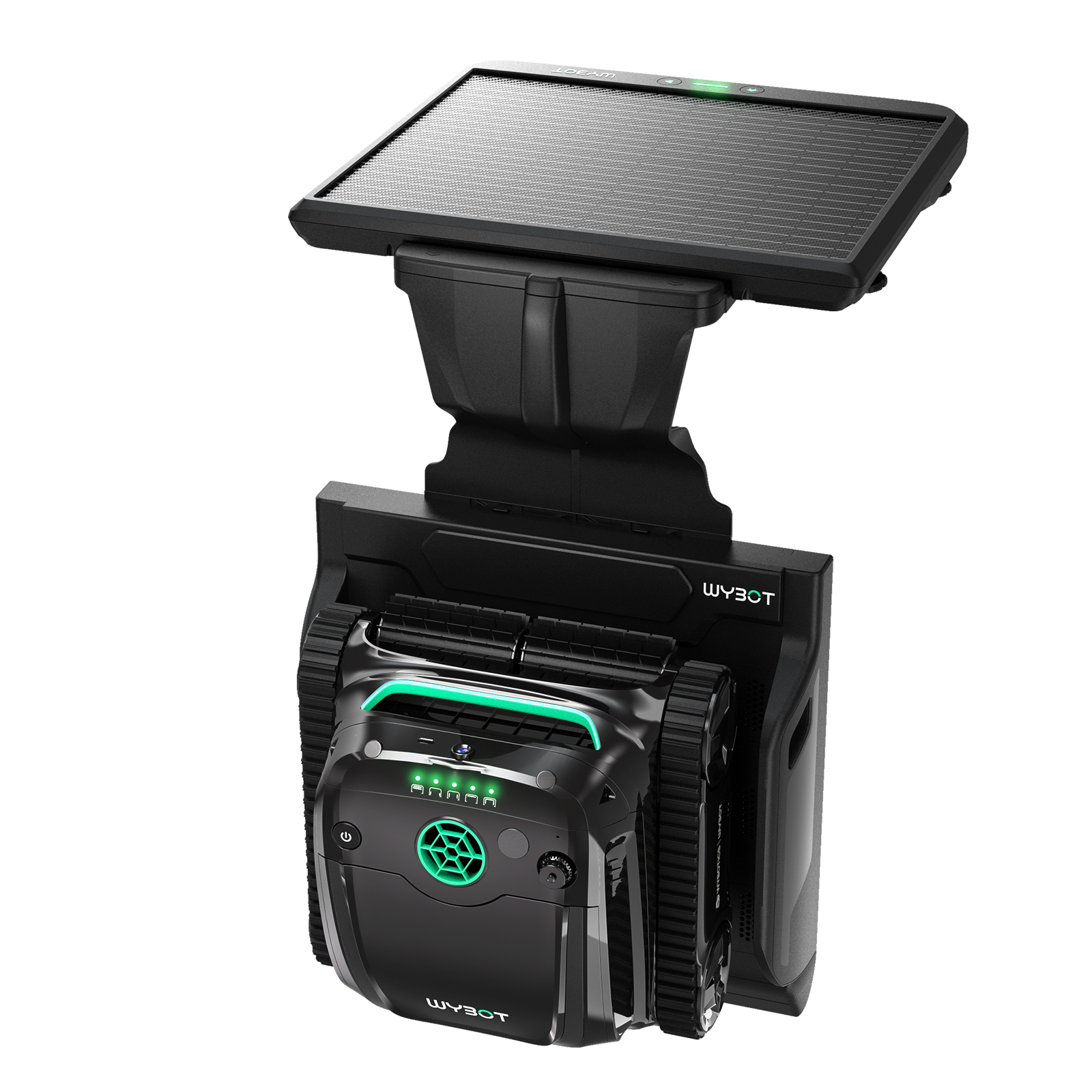
The manual rates the Wybot C2 Vision for inground pools up to 1,938 square feet, covering floors, walls and waterlines. Wybot says its camera mode responds to debris on the floor, while a separate fine filter catches smaller particles alongside the main basket. App scheduling lets you set future cleans, and the robot runs on a rechargeable battery.
Who It's For
It suits an inground pool where leaves and finer dirt both settle on the bottom, and you also want the walls and waterline cleaned. The camera is most relevant if debris gathers in particular areas, because it lets the robot respond to what is ahead. You are comfortable using an app to choose how it cleans and retrieving a cordless robot between charging sessions.
Look Elsewhere If
You may want a different robot if you need powered brushes, because the C2 Vision uses passive brushes. Slippery tile needs care too, because the manual warns that slick finishes may need modification for the robot to work well. Its app cannot connect while the robot is in the pool, according to the manual, so changing a mode means taking it out first. It cannot provide phone control throughout a submerged cleaning session.
Where To Buy
On sale: $629.99 at Wybot, regular $664.99 (save $35, 5%), checked Oct 29, 2026. See today’s deals
Key Features
Camera Cleaning. In AI Visual Cleaning, the front camera identifies debris ahead on the floor, and the robot changes its speed and cleaning behavior around the detected area. That makes this mode relevant when dirt collects in patches. The manual says recognition develops with regular use and recommends keeping the software updated. This is a floor cleaning mode, while separate settings handle the walls and waterline.
Basket And Fine Filter. Wybot pairs a basket rated at 180 microns with a fine filter rated at 10 microns. The basket collects larger debris, while the additional filter catches smaller particles on the floor. However, the manual recommends using that auxiliary filter only in Turbo Floor mode and leaving it out when the floor is heavily soiled because it can affect operation. Both filters are reached through the top cover.
Battery And Charging. The battery holds 4,600 mAh and takes 3 hours to recharge. The manual gives up to 3 hours in Eco Floor mode, so that runtime applies to a clean that stays on the bottom.
Cleaning Modes. The app lets you choose full pool cleaning or concentrate on the floor, walls or waterline. There is also a wall then floor setting, alongside Eco Floor, Turbo Floor and camera cleaning. The manual says the robot remembers its previous mode when restarted. If you repeatedly use the same setting, you can start another clean without choosing it again.
Tracks And Suction. The robot travels on tracks, which the manual describes as helping it climb walls and obstacles. Wybot rates it at 3,883 gph. Its wall and waterline coverage lets you include those areas in a clean instead of sending it only across the bottom when dirt collects higher up.
Specifications
| Type | Pool Cleaner |
|---|---|
| Power source | Cordless |
| Budget tier | Premium |
| Pool size class | Large |
| Rated coverage | 1938 sq ft |
| Weight | 17.6 lbs |
| Battery capacity | 4600 mAh |
| Charging time | 3 hours |
| Runtime or cycle | 3 hours |
| Cleaning areas | Floor, Wall, Waterline |
| Cleaning type | Suction |
| Brushes | Passive |
| Navigation | Advanced Mapping |
| Mapping | Smart Mapping |
| Scheduling | App Scheduling |
| App connectivity | Yes |
| Flow rate | 3883 gph |
| Main filter | 180 μm |
| Fine filter | 10 μm |
| Filter access | Top |
| Traction | Track |
| Warranty | 2 years |
Pool Compatibility
| Inground | Yes |
|---|---|
| Above-ground | Yes |
| Onground | Yes |
| Vinyl | Yes |
|---|---|
| Gunite | Yes |
| Fiberglass | Yes |
| Tile | Yes |
| Pebble | No |
| Natural stone and other exotic finishes | No |
| Chlorine | Yes |
|---|---|
| Saltwater | Yes |
| Mineral | Yes |
| Ozone or UV | Yes |
| Rectangular | Yes |
|---|---|
| Round | Yes |
| Free-form | Yes |
| Steps | Yes |
| Slopes | Yes |
| Leaves and large debris | Yes |
|---|---|
| Medium debris | Yes |
| Fine debris | Yes |
| Microscopic particles | Yes, with the ultra-fine filter |
Specs last verified 2026-10-25. Based on the manufacturer's specifications and manual.
Specs provided for informational use only. Data may be incomplete or outdated. Read full disclaimer.
How It Compares
Wybot C2 Get the deal at Wybot
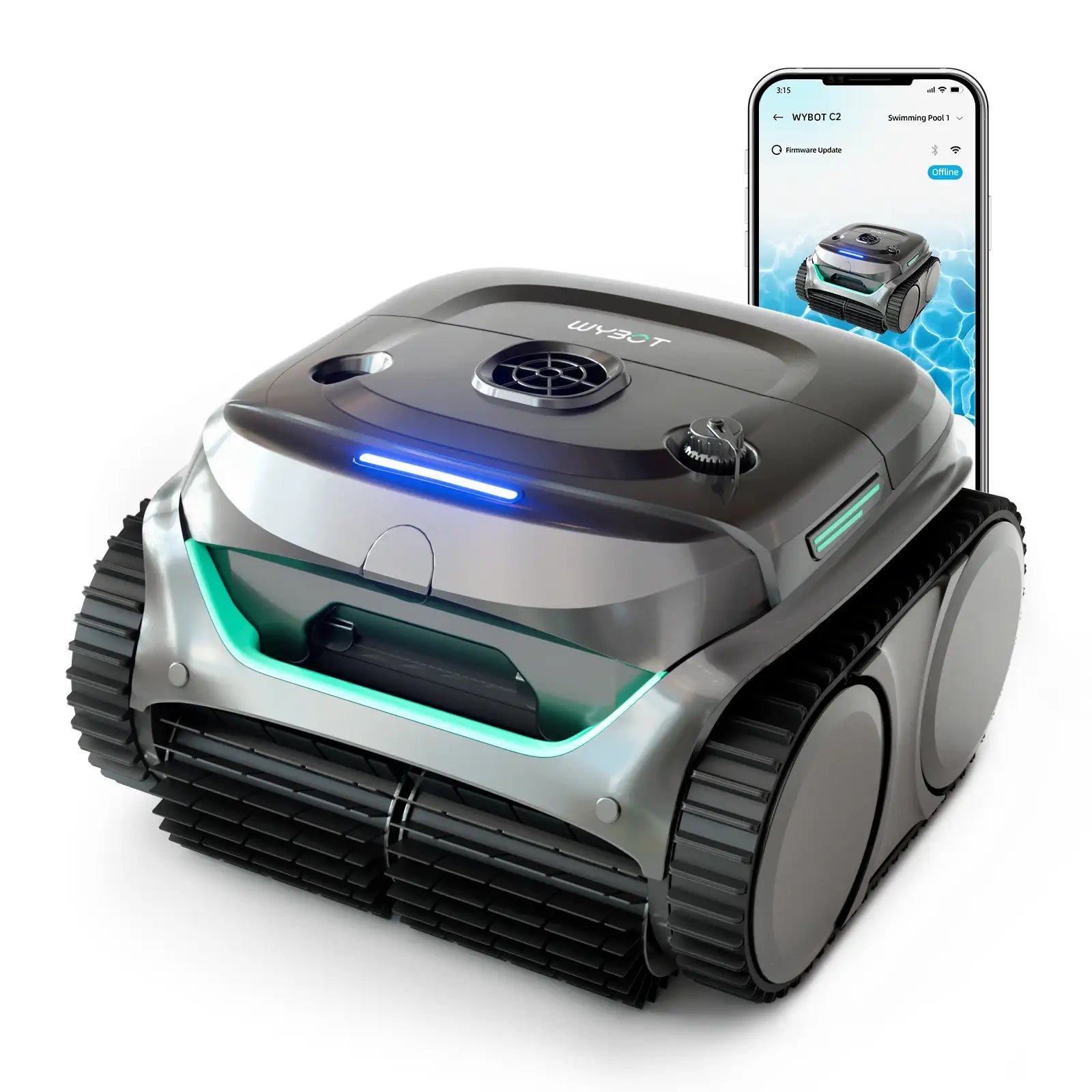
Wybot C2 keeps app scheduling and floor, wall and waterline coverage, but follows a patterned path and is rated for 1,615 square feet, below the Vision's manual area rating, so it suits a smaller pool where camera targeting has little appeal. Its weight is 17.6 pounds, matching the Vision, so choosing this sibling gives you the same lift when you retrieve it after cleaning.
Dreame Z1 Get the deal at Dreame
Dreame Z1 adds powered brushes to advanced mapping and covers up to 1,950 square feet, so it suits an owner who wants mechanical scrubbing alongside suction and can start each clean manually. Its weight of 26.0 pounds means a heavier lift at the end of a run, even though both robots cover the floor, walls and waterline.
Reriou SAT30 Check Price on Amazon
Reriou SAT30 offers powered brushes and advanced mapping across up to 2,050 square feet, which makes it a candidate if your pool exceeds the Vision's manual area rating and you want powered scrubbing. Its runtime reaches 2.5 hours and it has no scheduling, so choose it if the larger coverage matters more than setting future cleans in the app.
Worth Knowing
Before using camera cleaning for the first time, remove the protective film from the lens, as the manual instructs. Lower the robot into the water vertically by its handle, then let it sink so trapped air escapes. The manual also says to switch off the pool's filtration while the robot operates and to keep swimmers out during cleaning. Its indicator lights show charging progress and faults, giving you a visible status signal. A solid green light indicates that charging is complete, according to the manual.
Care And Maintenance
From the Wybot manual:
- Switch the robot off before maintenance. Open the top cover, remove the basket and fine filter, empty the debris, and rinse both with clean water after each use.
- Refit the filters and close the cover. Before charging, dry the charging port and use the original charger with an outlet protected by a ground fault circuit interrupter.
- For storage, dry the robot and the filter drawer, fully charge the battery, and keep everything in a cool, ventilated place away from sunlight, heat and frost.
Frequently Asked Questions
How large a pool can it clean?
The manual rates it for up to 1,938 square feet. It supports rectangular, round and freeform inground pools, so you can use it in a curved pool as well as a rectangular one.
Does it clean steps?
Yes. Wybot's product overview includes steps and slopes, and the manual says it can climb steps and drains, although obstacles can change its cleaning path.
Can I use it in saltwater?
Yes. The C2 Vision supports saltwater pools as well as chlorine pools. The manual sets upper limits for both salt and chlorine concentrations.
How heavy is it to lift out?
It weighs 17.6 pounds. The manual says it stops by the wall when finished or low on battery, and you retrieve it with a hook on your pool pole.
What comes in the box?
Wybot includes the robot, power adapter, retrieval hook, floating parts, basket and fine filter, along with the user manual and quick start guide, according to its packing documents.
Can I schedule cleaning?
Yes. App scheduling lets you set future cleans. Wybot describes a cycle timer for customizing the cleaning duration and frequency.
How long is the warranty?
Two years, according to Wybot. The manual limits coverage to the original buyer and requires your order number or purchase record when making a claim.
Robot Pool Cleaners From Our Partner Brands
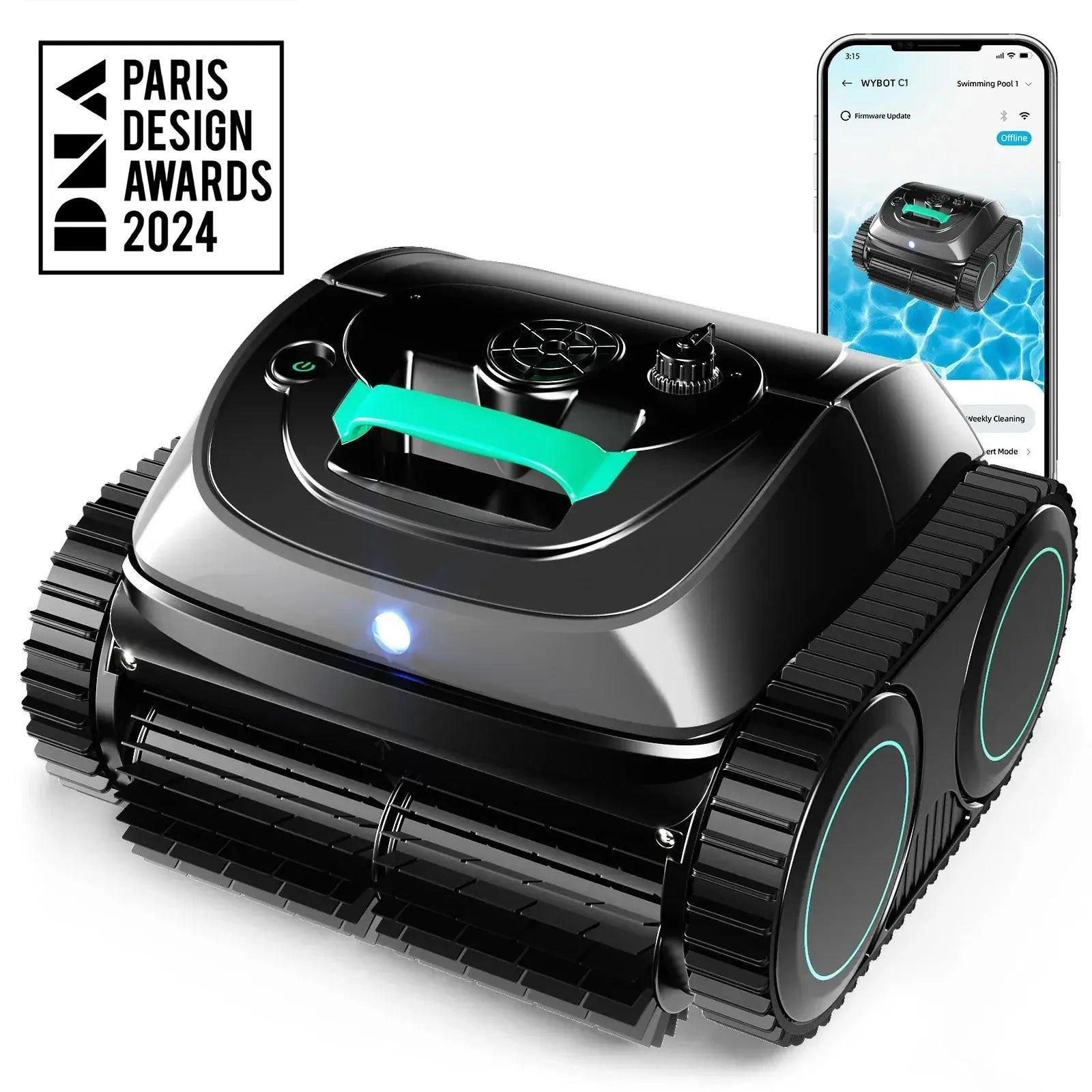
Wybot C1
Cordless · Floor, wall, waterline · Up to 1,615 sq ft · In-ground and above-ground pools
Check price at WybotWybot C2
Cordless · Floor, wall, waterline · Up to 1,615 sq ft · In-ground and above-ground pools
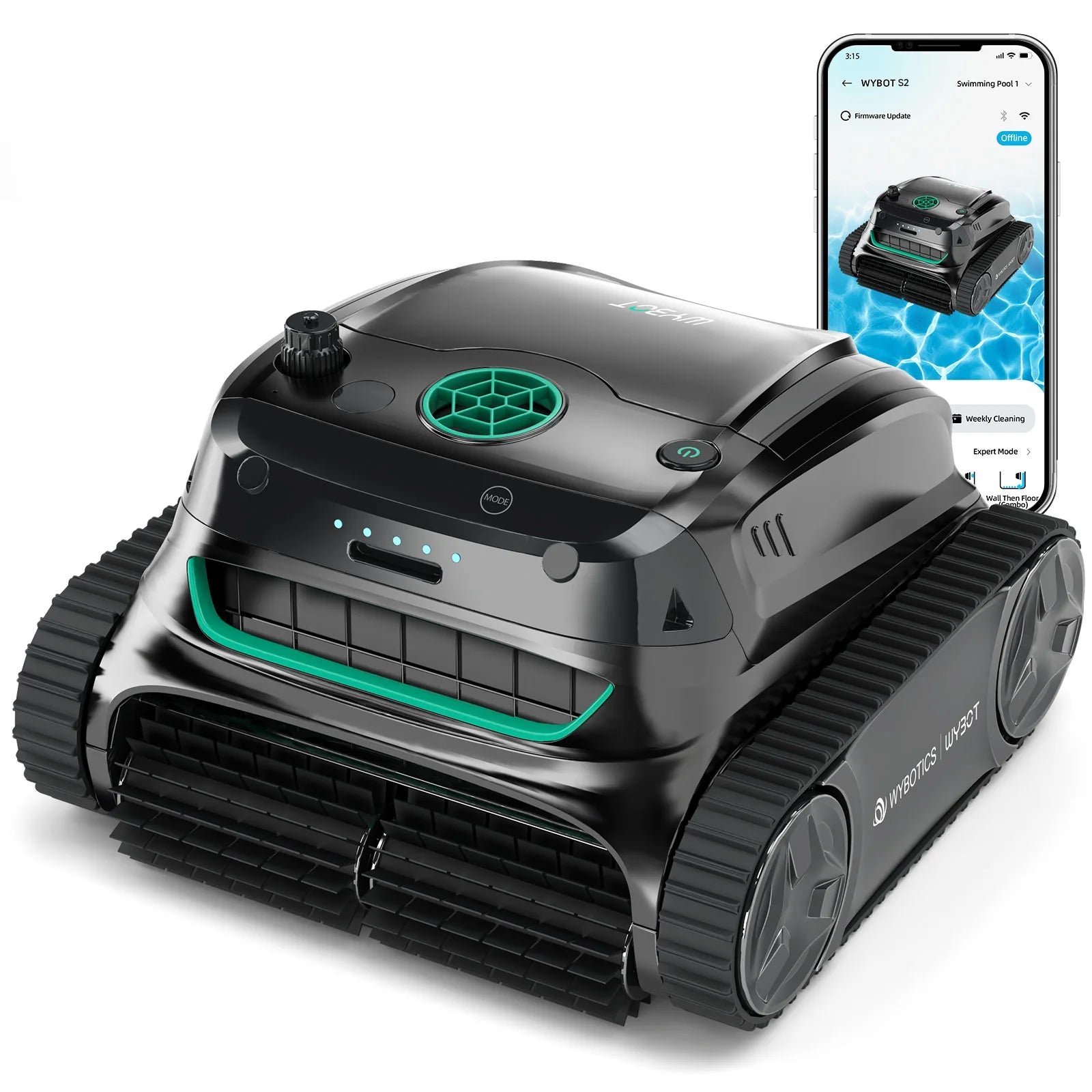
Check price at WybotWybot S2
Cordless · Floor, wall, waterline · Up to 3,229 sq ft · In-ground and above-ground pools
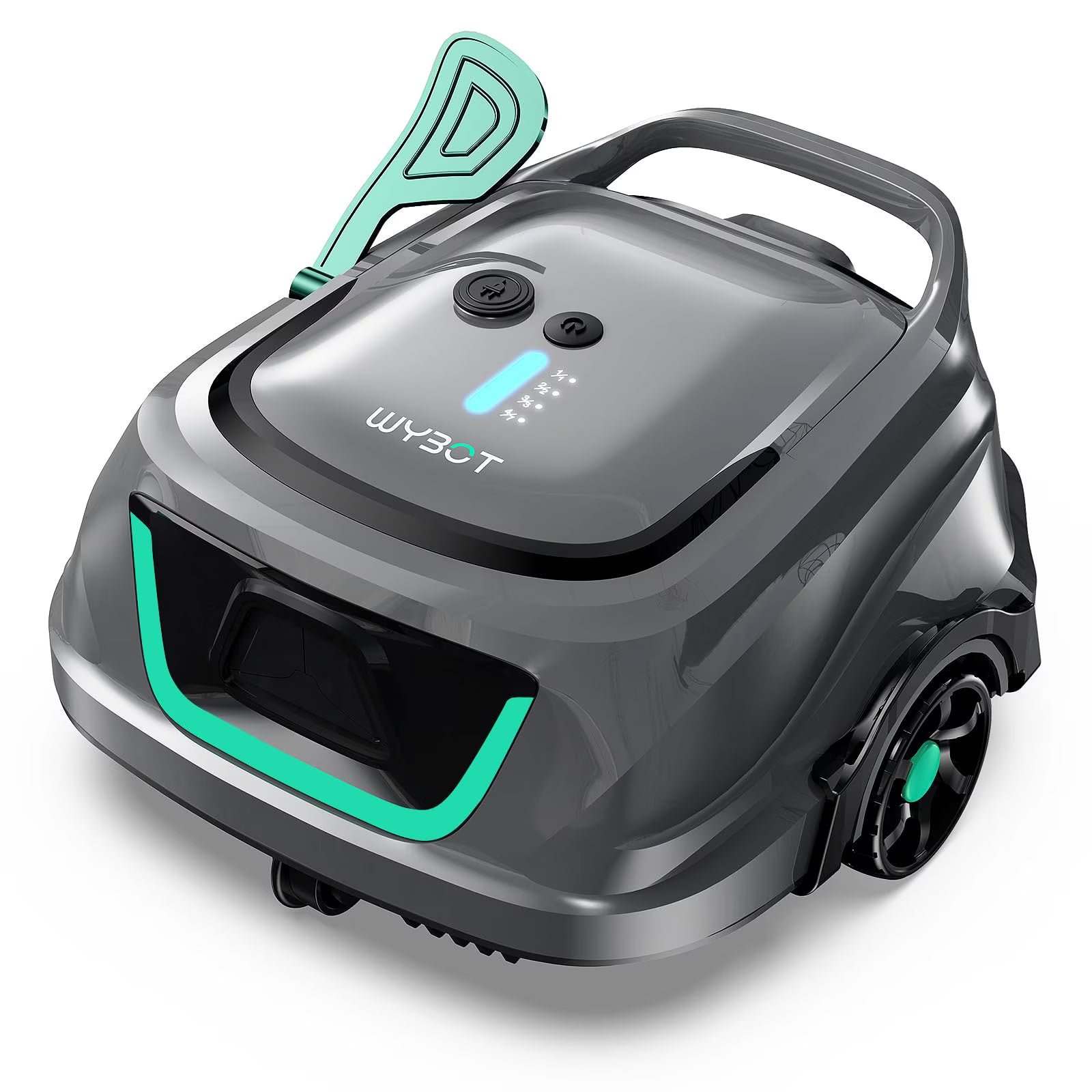
Check price at WybotWybot B1
Cordless · Floor, wall, waterline · Up to 1,076 sq ft · In-ground and above-ground pools
Check price at WybotWybot S2 Solar
Solar and battery · Floor, wall, waterline · Up to 3,229 sq ft · In-ground pools
Check price at WybotWybot S2 Solar Vision
Solar and battery · Floor, wall, waterline · Up to 3,229 sq ft · In-ground pools
Check price at WybotAiper Scuba S1
Cordless · Floor, wall, waterline · Up to 1,600 sq ft · In-ground and above-ground pools
Check price at AiperDreame Z1
Cordless · Floor, wall, waterline · Up to 1,950 sq ft · In-ground and above-ground pools
Check price at DreameAiper Scuba X1 Pro Max
Cordless · Floor, wall, waterline, surface · Up to 3,230 sq ft · In-ground and above-ground pools
Check price at Aiper